The productive notes app A space to capture, write, and organize your notes, tasks, images, and ideas.
- Mac (iPad & iPhone coming soon)
- Chrome extension
- MCP for AI



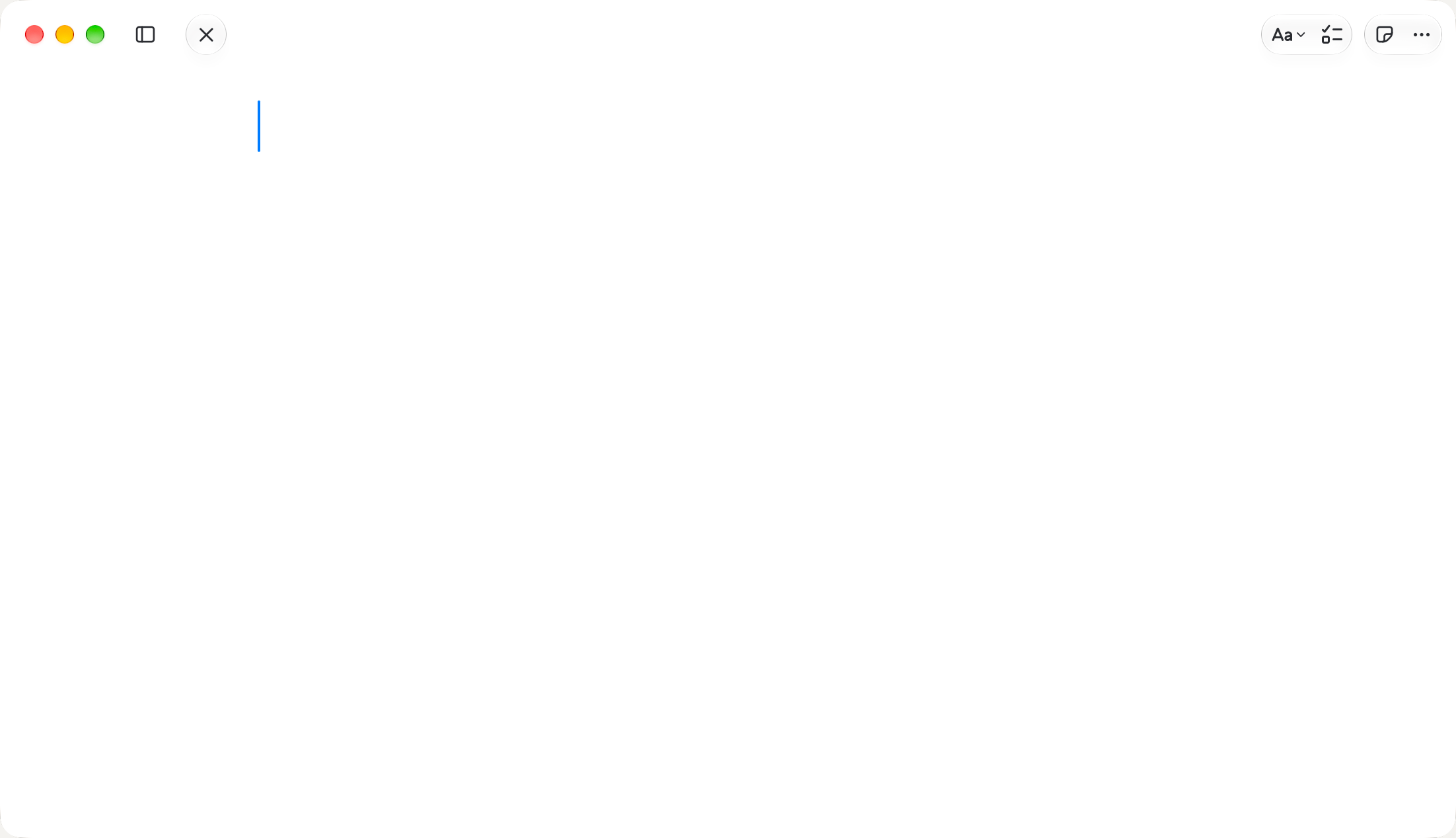
Just you and the page
Start typing and the window fades to only your words. Move the pointer and every tool is back where you left it.
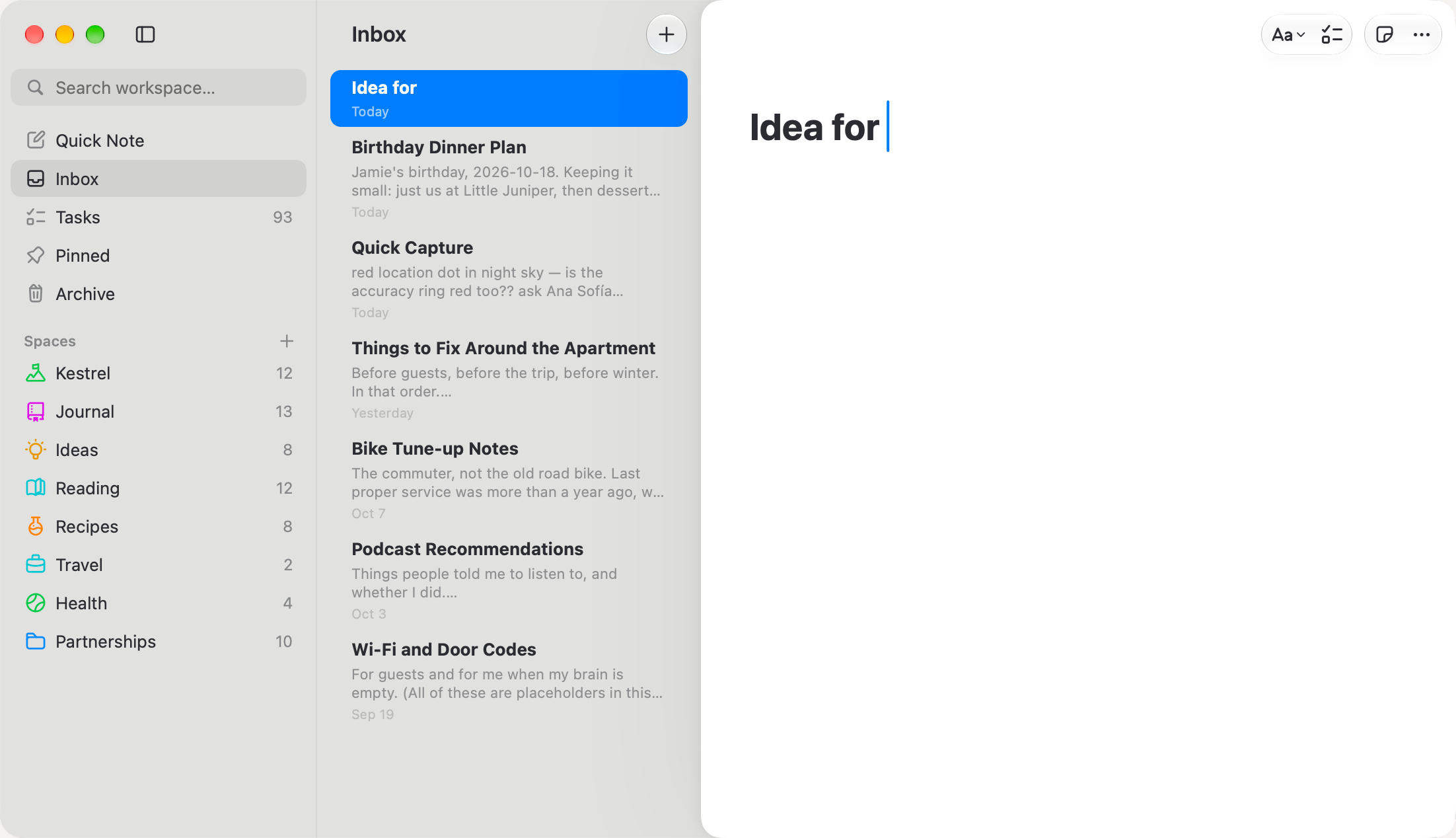
Capture now, sort later
Quick notes land in your Inbox, ready to be filed into a space whenever you get to it.
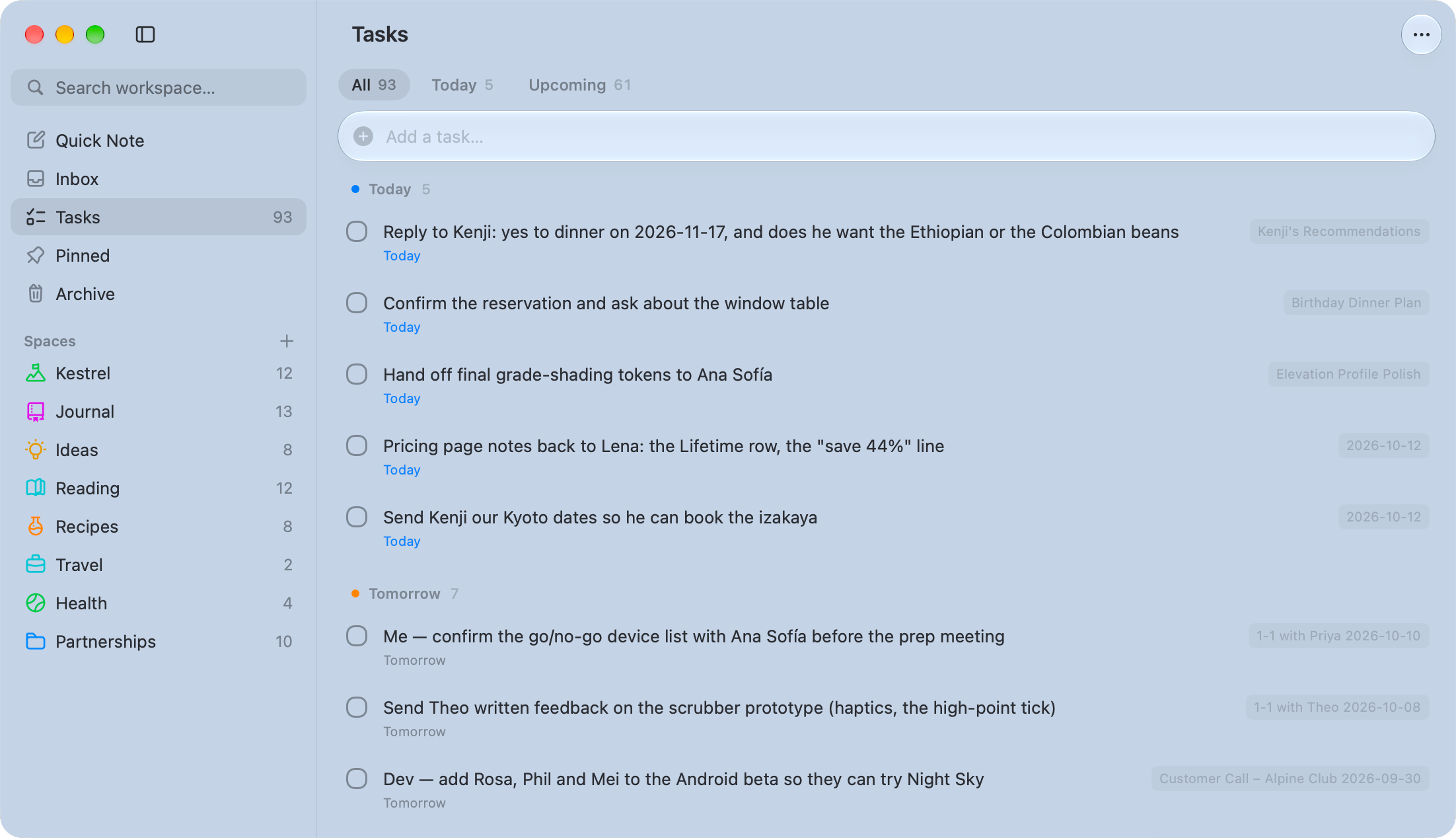
Every task in one list
Write a task in any note and it shows up here, grouped into Today, Tomorrow and Upcoming, with a link back to where you wrote it.
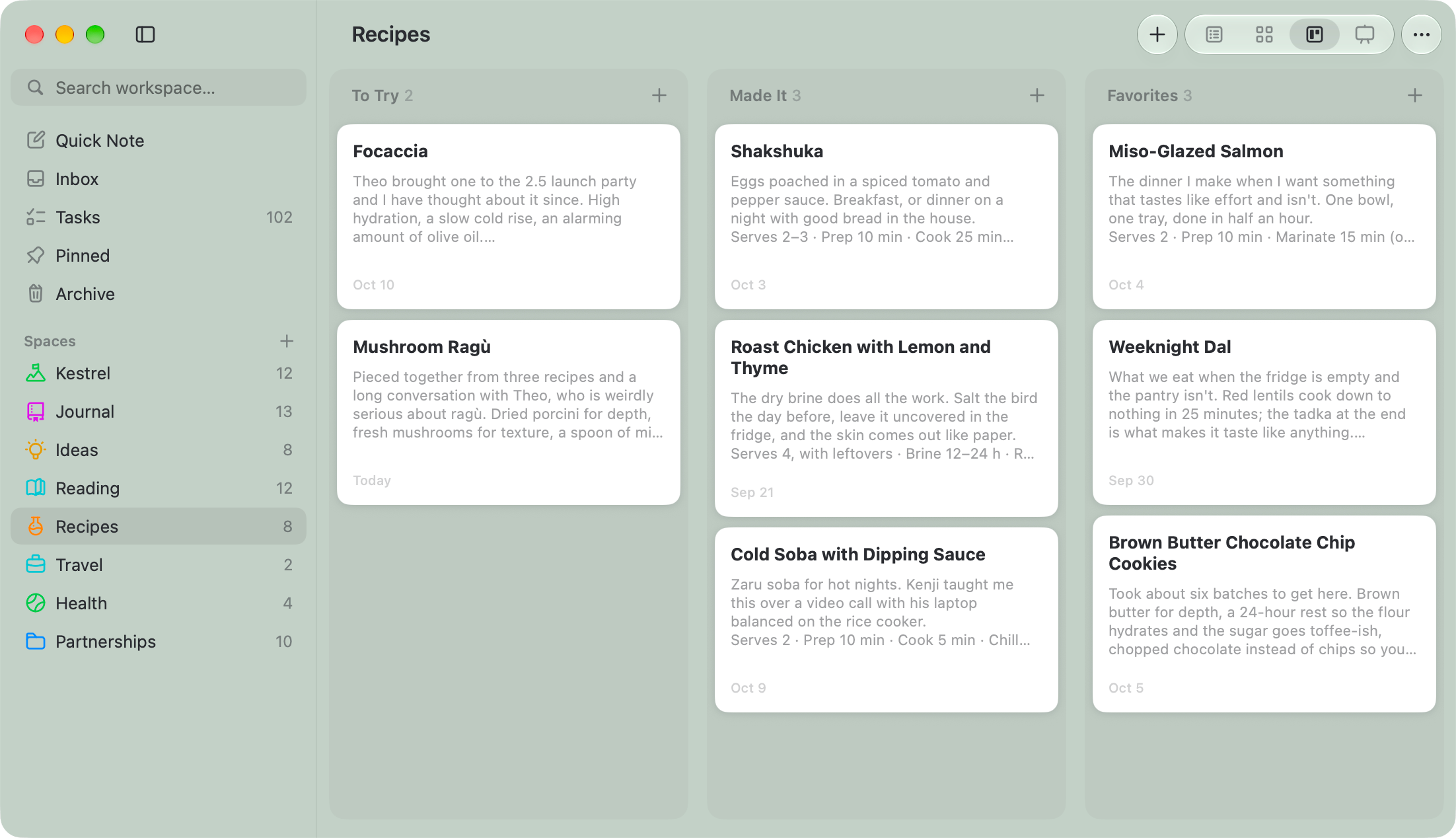
Any space, as a board
Turn any space into a board. Drag a note between columns and its status moves with it.
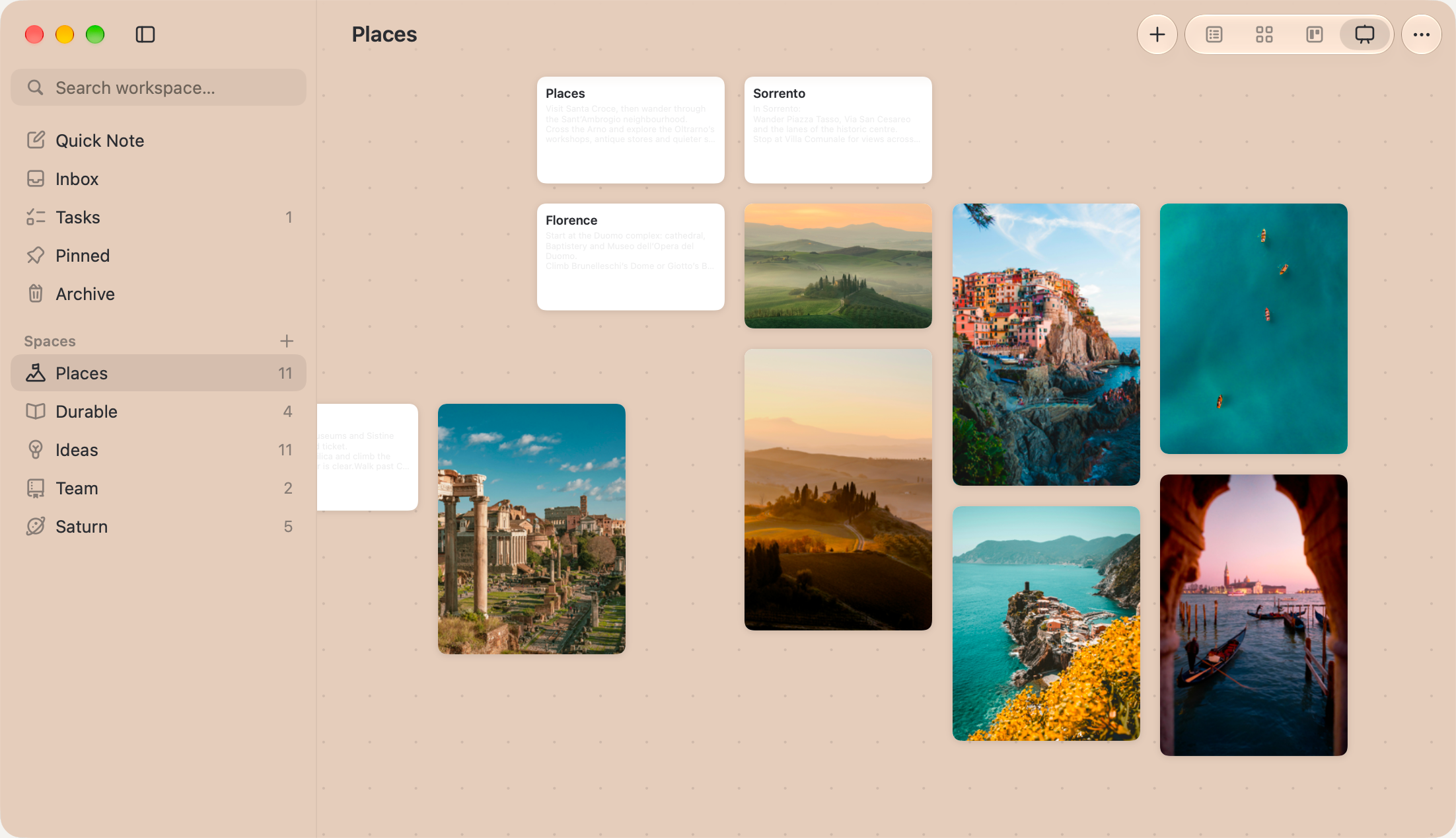
A canvas to think on
Lay out notes and photos freely, the way you'd pin them to a wall.
Any editor
Every note is a .md file. Grep it, git it, open it anywhere.
Your iCloud Drive
Sync is a folder you already have. No account, no server.
Bring your vault
Open a folder you already keep. Links and tags come across; nothing on disk changes.
Pictures beside the note
A pasted image is a real file next to its note. Rename or move the note and it follows.
Instant at any size
Full-text search across tens of thousands of notes, one keystroke away.
Private by default
No analytics, no telemetry. Your notes travel only through your own iCloud.
Included
- All your Macs. One licence, for one person.
- Every 1.x update. Features, fixes and new macOS versions.
- 5 years of security updates from the day you buy.
- 30-day refund. No questions asked.
- Never locked out. After the trial, every note stays readable.
What is Saturn?
Saturn is a Markdown notes app for Mac. It keeps every note as a plain .md file in a folder you own — your vault — and syncs that folder through your own iCloud Drive, with no account. It requires macOS 15 (Sequoia) or later and costs $29 once, after a 14-day free trial.
Can Saturn open a folder of Markdown I already have?
Yes. Saturn opens an existing folder of Markdown as it is and reads the conventions it already uses: YAML frontmatter, [[wiki-links]] with aliases, tags, - [ ] tasks, and JSON Canvas files. Opening a vault changes nothing on disk: Saturn writes a file only when you edit that note, and keeps every property it doesn't recognise exactly as written.
Where does Saturn store my notes?
Saturn stores notes as ordinary Markdown files in a folder you choose — by default a folder in iCloud Drive, though any folder works, including a local one. You can open, edit, back up or version-control those files with any other tool while Saturn is running; it watches the folder and picks up changes within about a second.
How does Saturn sync between Macs?
Saturn syncs through your own iCloud Drive. Your vault is a normal folder there, so it moves between your Macs the way any other iCloud folder does — no Saturn account, no sign-in, and no server of ours in the path. Notes stay readable and editable with no network at all, and sync again when you're back online.
Is Saturn private?
Yes. Saturn has no analytics, no telemetry and no crash reporting, and it never uploads your notes anywhere. It goes online only to check for its own updates, to confirm a purchase once, and to load a web page you chose to save as a link. Your notes travel only through your own iCloud Drive.
How much does Saturn cost?
Saturn costs $29 as a one-time purchase, after a 14-day free trial that needs no card. $29 is a launch price that will rise to $49; buying now locks in the lower one. It is not a subscription: every 1.x update is free for at least 5 years, security fixes included.
What happens when the Saturn trial ends?
When Saturn's free trial ends, the app becomes read-only rather than locking you out. Every note stays open, searchable, exportable and copyable; what stops is writing new text. Your notes are Markdown files in your own folder either way, as reachable as they were before you installed it.
Can I use one Saturn licence on more than one Mac?
Yes. One Saturn licence covers one person on all of their Macs. On a second Mac signed into the same iCloud account, the licence arrives with the vault, so there is nothing to type in.
What are Saturn's system requirements?
Saturn requires macOS 15 (Sequoia) or later and runs natively on Apple silicon and Intel Macs as a universal app. It is notarized by Apple and updates itself. An iPhone and iPad version is in development.
I lost my Saturn licence. How do I get it back?
There are three ways to get a Saturn licence back, and none needs us. On another Mac, sign in to the same iCloud account and open Saturn: the licence travels with your vault. If you kept the licence file from your purchase email, choose it in Settings › Licence › Open Licence File… in Saturn. Or search your inbox for the purchase email, which carries the licence. Still stuck? Write to support@saturnnotes.com from the address you bought with and we'll reissue it.
How do I get help with Saturn?
Email support@saturnnotes.com — a person reads every message, usually the same day. Say what happened and what you expected; a screenshot helps. Whatever has gone wrong in the app, your notes are Markdown files in your own folder, readable in any editor.
Can I get a refund for Saturn?
Yes. Saturn has a 30-day refund policy, no questions asked: email support@saturnnotes.com within 30 days of buying and you get your money back.
Anything else: support